
If application doesn’t run and complains about permissions e.g. Execute permission, we need to check schema permissions; One of the reason, this happens when we restore database.
Suppose our user name is FMUser and dataase name is FMStoreDev. Under Login Properties of FM User – Security;
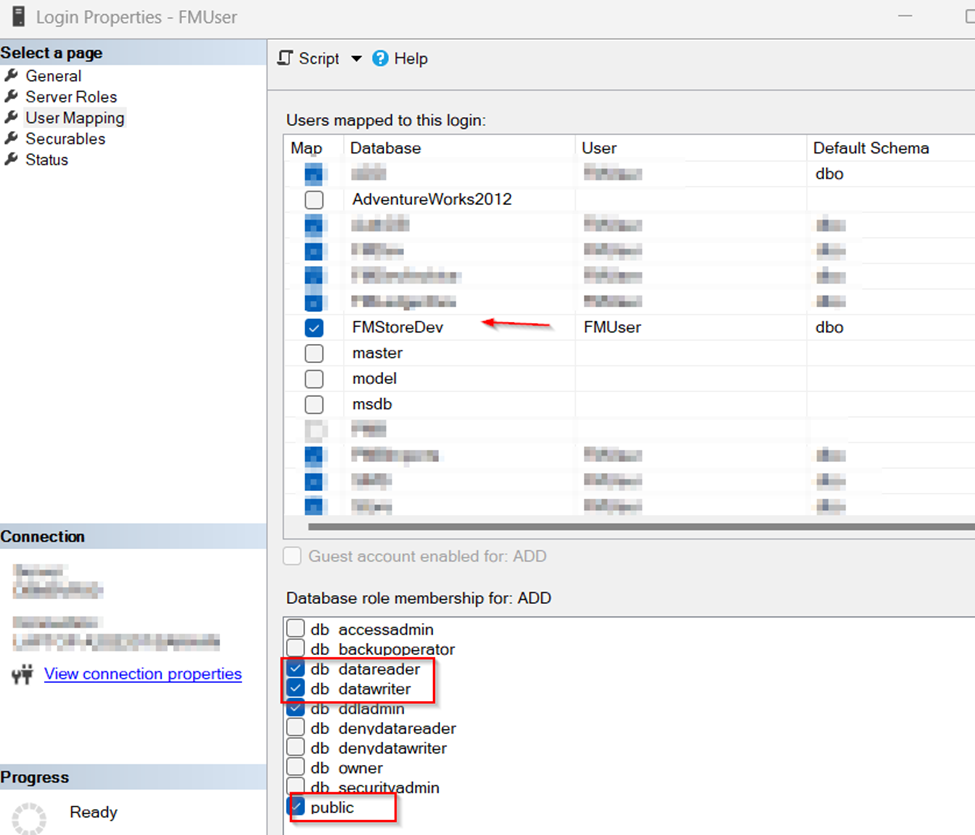
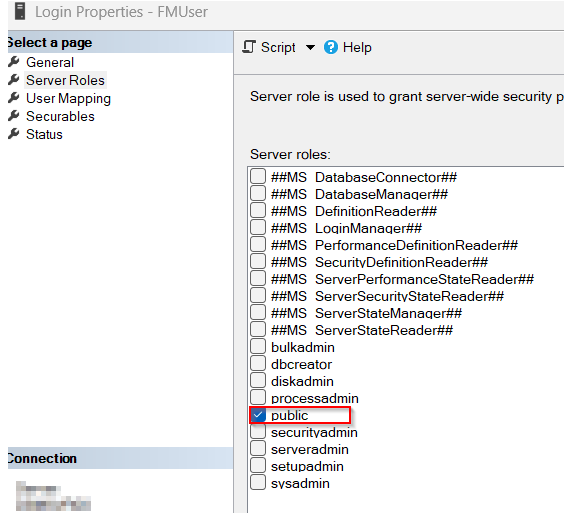
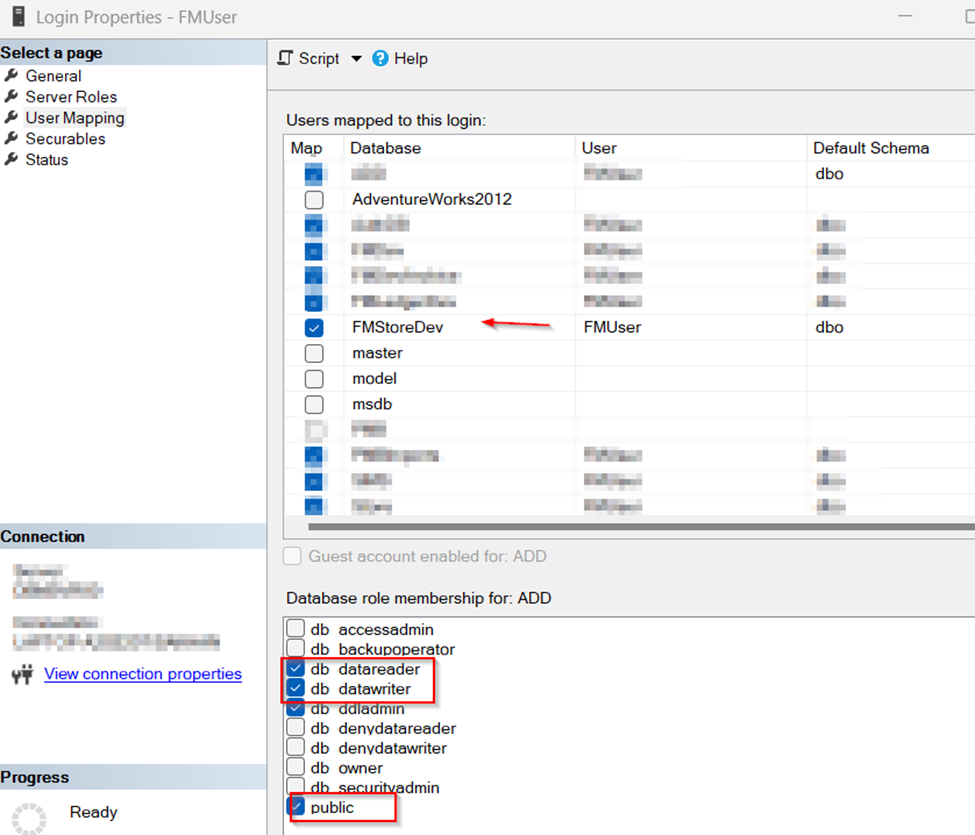
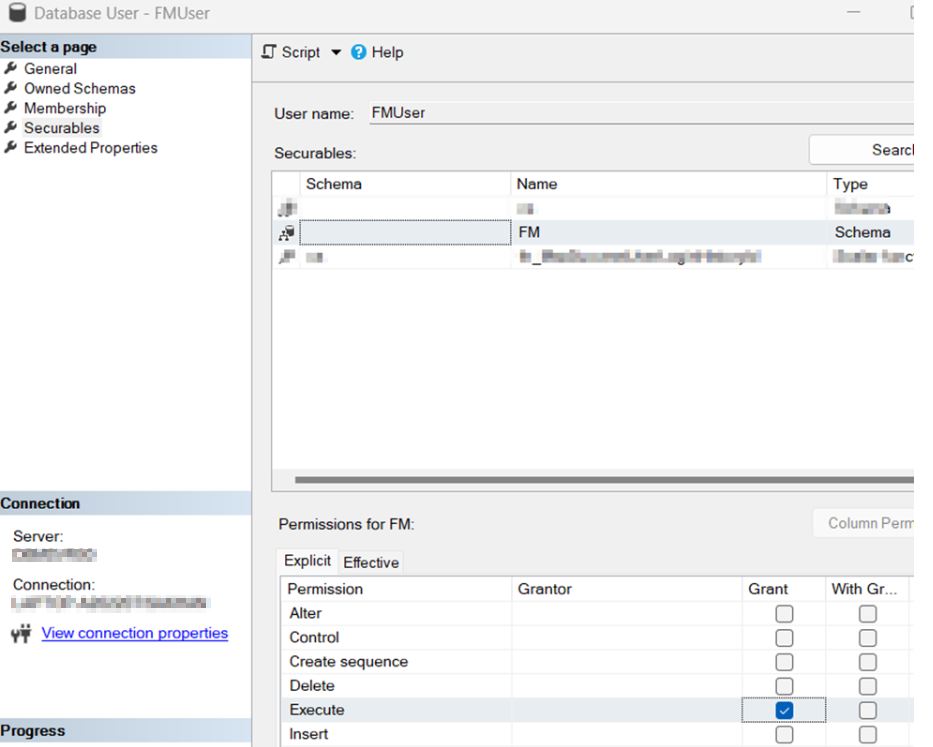
UNDER DATABASE -> USER -> SECURITY -> FMUser, CHECK THIS (in case SPROC does not run);
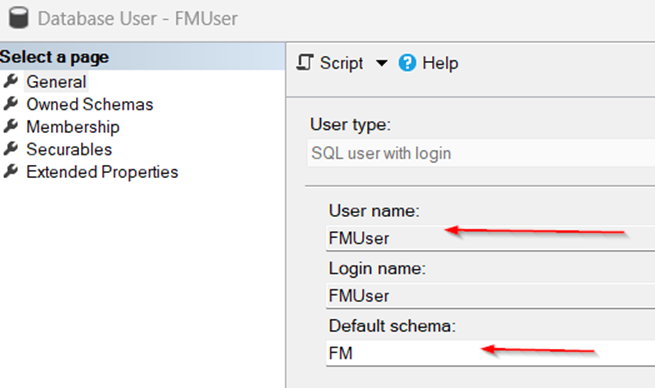
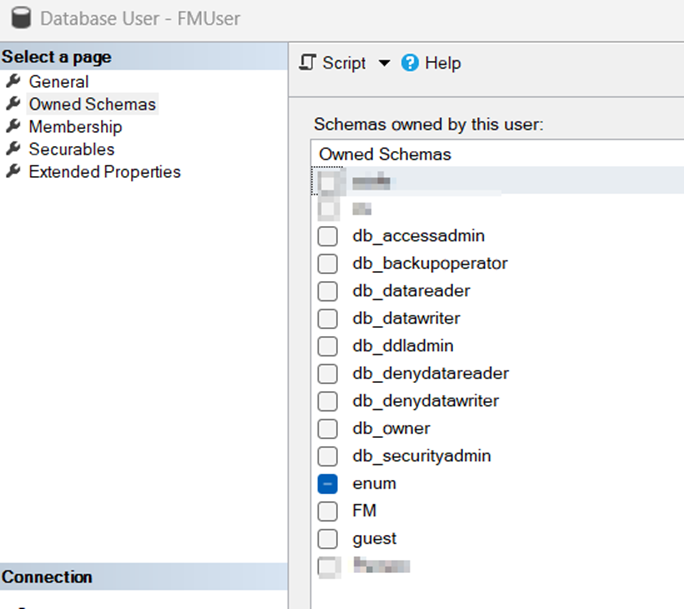
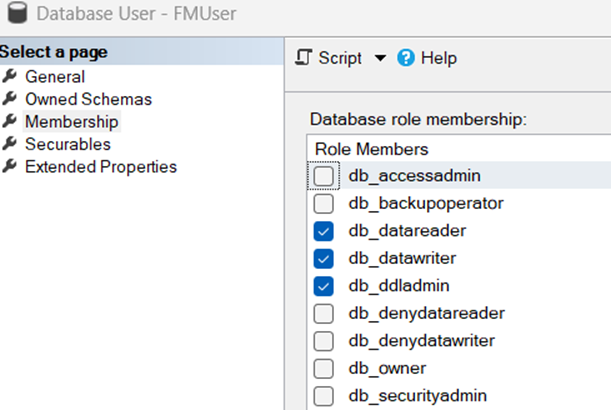
On Securables tab, click Search;
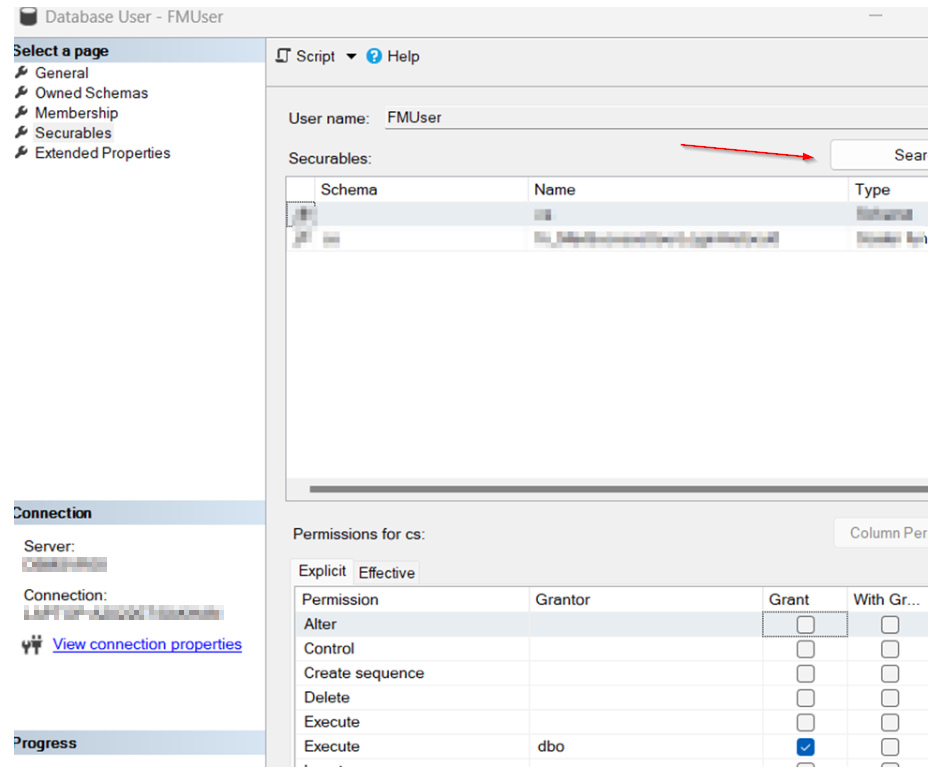
Select first option and click ok;
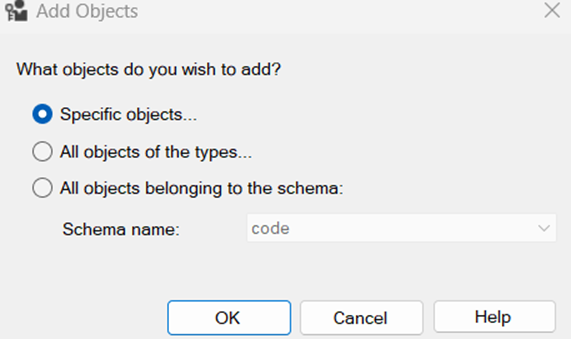
Click on object types and select schema;
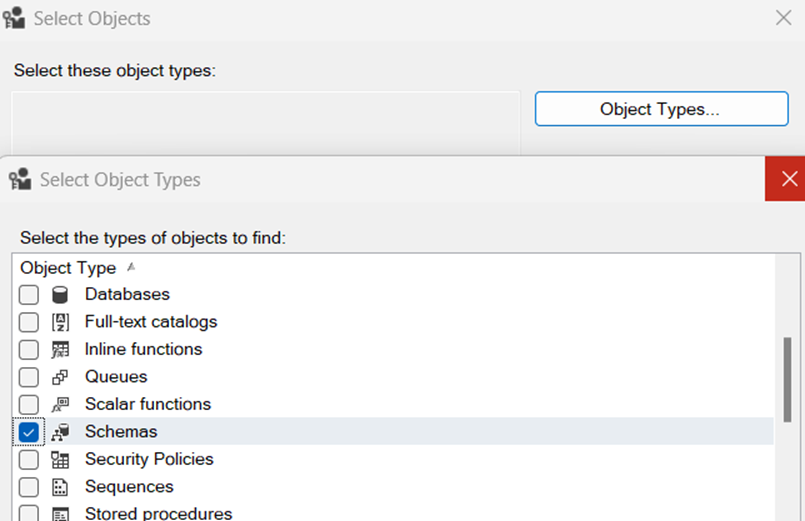
Click on Browse and select your schema;
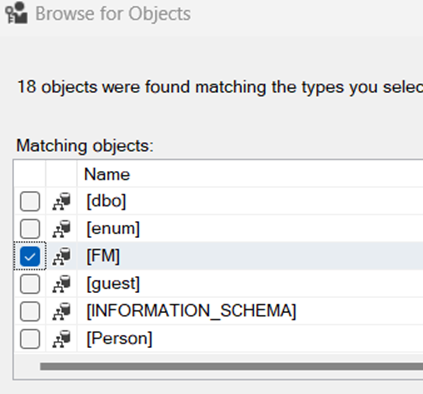
Select FM schema and grant execute permission to FMUser;
Since this is schema bound, go to securityàschema. Schema name should be your custom schema and owner should be dbo;
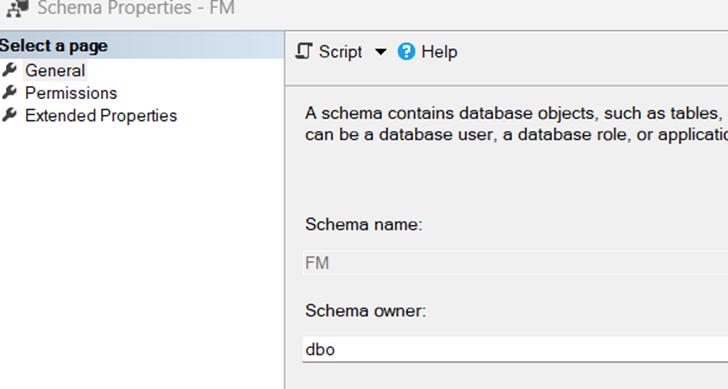
Click on Permissions tab. Make sure execute permission is selected for FM user;
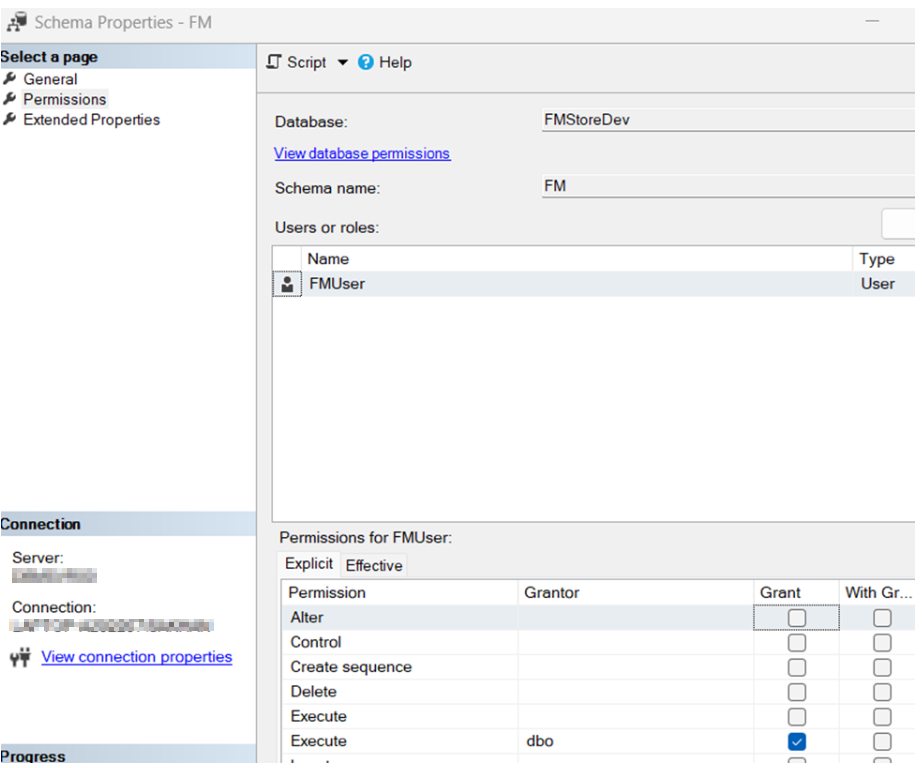
These changes will help to solve database execute permission problem.
This is an alternative of remapping the users (to restore permission) after restoring DB;
USE FMStoreDev;
GO
EXEC sp_change_users_login 'Update_One', 'FMUser', 'FMUser';
GO

 Add to favorites
