
If you started seeing this message;
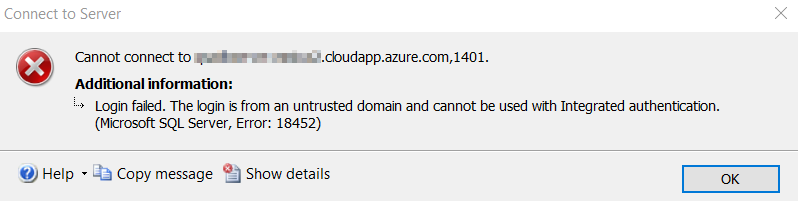
One of the reason might be that your Azure AD password has been expired. Try to login here;
User Function – Self service password reset
Click on upper right corner on your user icon and select “View Account”. Click on “Change Password” tile. Enter your old password and new password. Logout and Log back in with your new password. Microsoft Authenticator or Google Authenticator is required to authenticate.
If the computers are not joined to domain then user has to open Credential Manager on their computers to store new credentials if they are using windows authentication for any cloud services.
If user has forgotten his/her password, then admin can follow Admin Function and reset user password to a temporary password. User has to go through same steps again to reset the password.
Admin Function – To Reset the password for other User
Click on Admin;
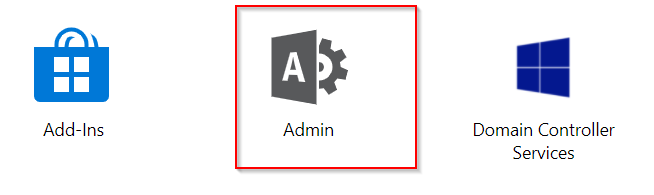
Click on Reset password under user management. Select your user, change password. This is a temporary password. Communicate this password with user and ask them to follow self service password reset.

 Add to favorites
