
Updating SSIS packages for a specific SQL server target version (valid only for SQL Server 2012 and above)
- Right click on a project, click properties and select your target server version from the drop down
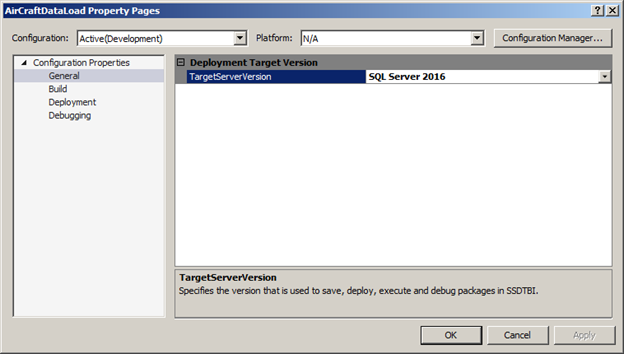
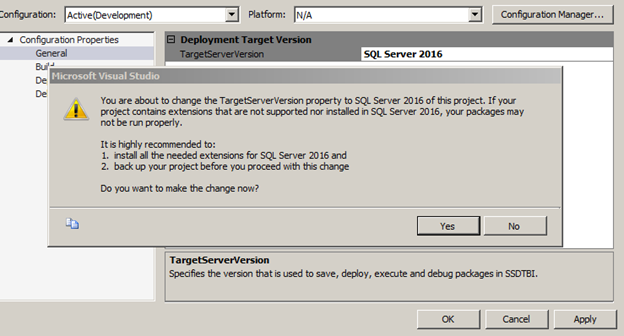
Click Apply, read the warning then click Yes as shown below, and finally click Ok
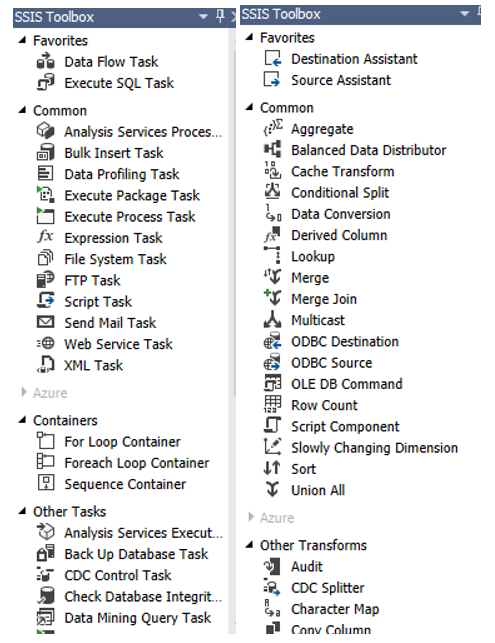
Re-open the packages and notice how the development platform (control flow and data flow tabs) changes
Before
After
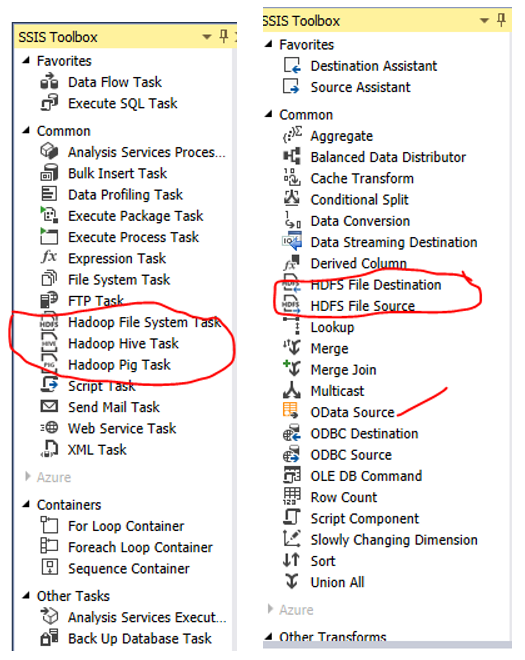
Check for any odd behavior (discontinued/deprecated tasks), build/rebuild your packages, test your packages, and deploy/redeploy them.

 Add to favorites
