
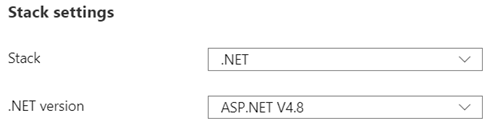
I am running WordPress as Azure App service. My current configuration for the technology stack is;
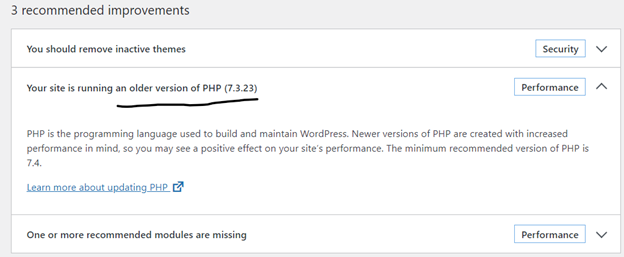
I did a Site health check on WordPress dashboard; Tools->Site Health, WordPress site health status shows that I am running an older version of PHP.
I figured I should be changing my Stack settings from .NET to PHP. I made the change hoping it wouldn’t break the application;
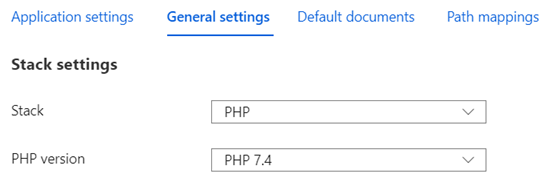
Technology stack is changed from .NET to PHP without any issues.
I went back to WordPress dashboard and ran Site Health. PHP version issue solved.
If someone is running WordPress on Linux, this is a good reference;

 Add to favorites
